Instagram Weekly Plan

The Instagram
Weekly Plan
That Actually Works

Stop guessing what to post and when. This 7-day Instagram content framework covers every format — Reels, Carousels, Stories, and more — so your feed stays active, your audience stays engaged, and you stay sane.

See the Full Plan Download Template
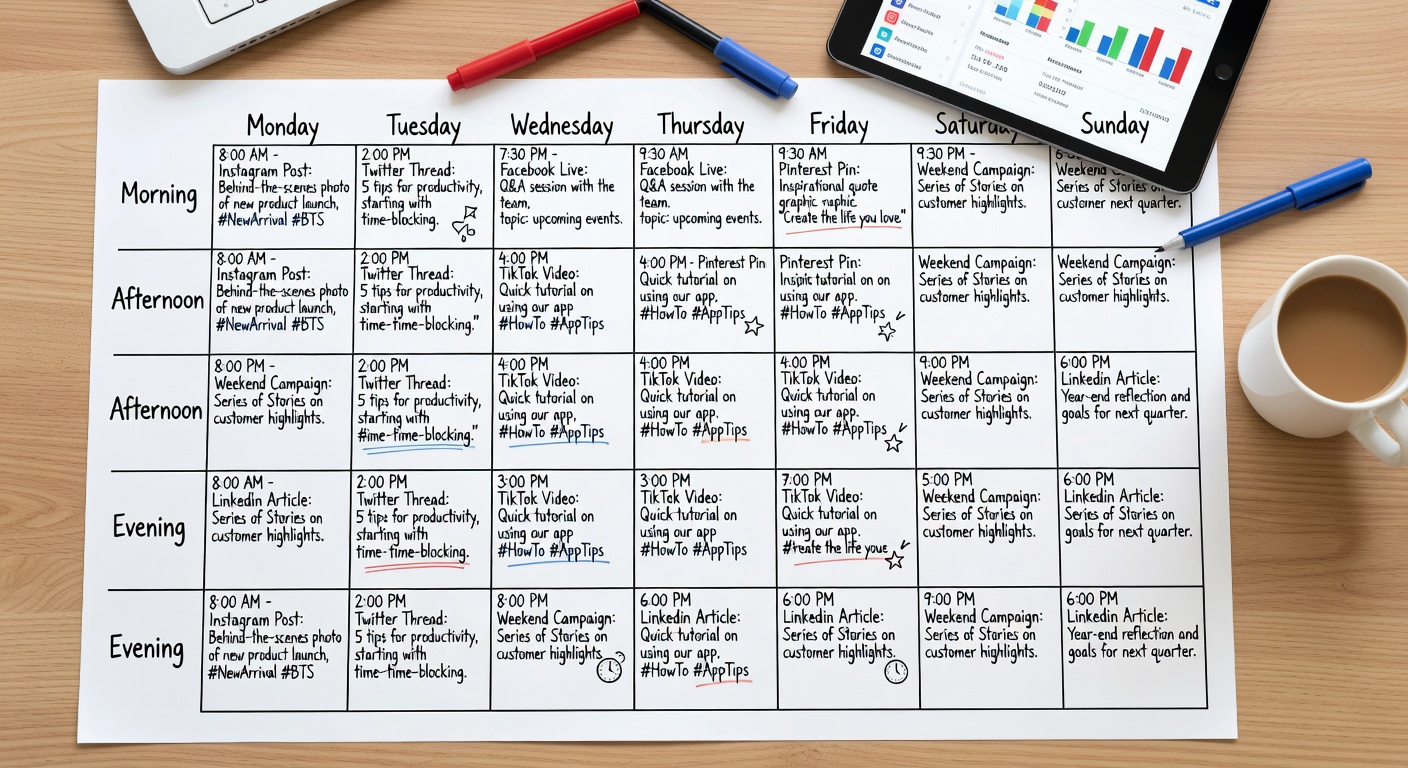
Instagram content calendar

Instagram rewards consistency — not perfection

The algorithm doesn't care how beautiful your grid looks. It cares how often you show up, how long people watch, and how much they interact. This plan is built around those three signals.

By mixing Reels (reach), Carousels (saves + shares), Stories (daily touchpoints), and Static posts (brand aesthetic), you hit every part of the algorithm while keeping your content diverse enough that followers actually enjoy seeing you in their feed.

The plan below is built for a sustainable 5–7 posts per week rhythm — enough to grow, not enough to burn out.

7x
content types covered
3x
algorithm signals targeted
1
repeatable weekly system
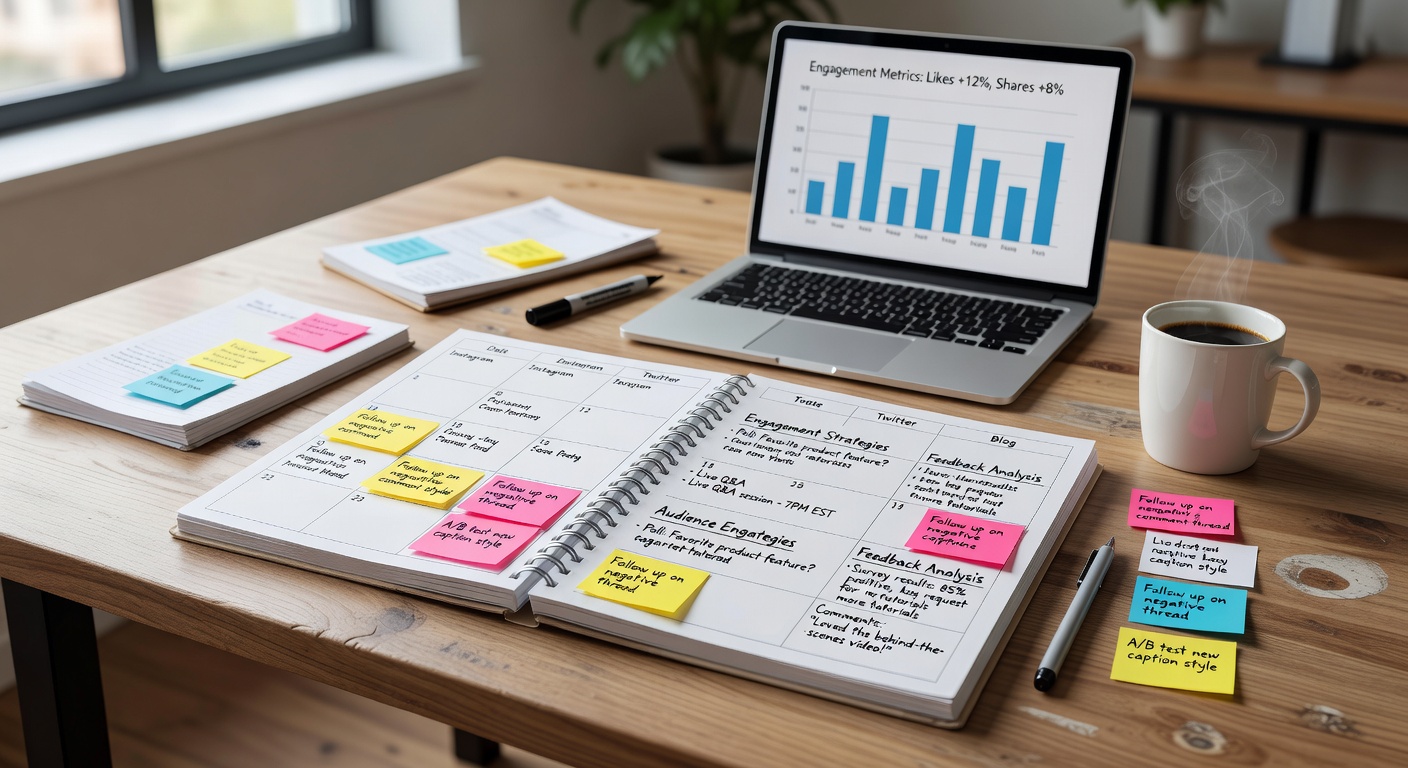
Audience engagement calendar

Your Instagram Week, Day by Day

Each day has a purpose. Follow this structure and you'll cover reach, engagement, and retention every single week.

Day 01
Monday
🎬 Reel

Launch the week with a high-reach Reel. Focus on a quick tip, a transformation, or a trending audio hook. Keep it under 30 seconds and front-load the value in the first 3 frames.

Goal: New reach → first-time viewers become followers.
Day 02
Tuesday
📱 Carousel

Post an educational or listicle carousel (7–10 slides). Think "5 mistakes you're making" or "Step-by-step guide to…". Carousels are re-shared more than any other feed format.

Goal: Saves + shares → algorithm boost for the rest of the week.
Day 03
Wednesday
🖼 Static Post

Share a quote, a single-image tip, or an aesthetic brand post. This maintains your feed's visual identity and gives your audience a breather between more complex formats.

Goal: Brand recognition + comments from your existing community.
Day 04
Thursday
🎬 Reel

Second Reel of the week — lean into entertainment or storytelling. A day-in-the-life, a behind-the-scenes reveal, or a "reaction" style video. This one can be longer (60–90 sec).

Goal: Watch time + shares → stronger algorithm signal than Monday's Reel.
Day 05
Friday
📱 Carousel

A value-packed "weekend prep" carousel. This could be a resource round-up, a mini-tutorial, or an inspirational story with lessons. Post before noon — Fridays have great reach pre-weekend.

Goal: Saves peak on Fridays as people bookmark content for the weekend.
Day 06
Saturday
🖼 Static Post

Light, community-focused content. A poll-type caption ("Which do you prefer?"), a personal share, or a user spotlight. Engagement on Saturdays tends to come from your warmest followers.

Goal: Deepen loyalty with existing audience. Comments over reach today.
Day 07
Sunday
📷 BTS

Behind-the-scenes content — show your process, your workspace, what you're working on this week. This humanizes your brand and builds trust. Can be a Reel or a static image series.

Goal: Connection + anticipation for the week ahead.

Plus: Post to Stories every single day. Stories keep you visible without cluttering the feed. 3–7 Stories per day is the sweet spot.
Best Posting Times on Instagram

These are research-backed windows. Always check your own Insights — your specific audience may behave differently.

Day Content Type Best Time (Local) Why It Works
MondayReel7:00–9:00 AMMorning commuters, pre-work scroll — high watch time
TuesdayCarousel11:00 AM–1:00 PMLunch break browsing, users save content for later
WednesdayStatic Post6:00–8:00 PMPost-work wind-down, relaxed browsing
ThursdayReel12:00–2:00 PMMidweek peak, algo pushes fresh Reels at lunch
FridayCarousel10:00 AM–12:00 PMPre-weekend save behavior is highest on Fridays
SaturdayStatic Post9:00–11:00 AMLeisurely morning scrolling, higher personal engagement
SundayBTS / Reel5:00–7:00 PMSunday evening peak before the new week buzz
DailyStories8–9 AM + 7–9 PMTwo daily touchpoints: morning and evening scroll

Hashtags That Still Work in 2026

Instagram's advice? Use 3–5 highly relevant hashtags rather than 30 generic ones. Here's how to build your hashtag stack by tier.

🎯 Niche Tags (Most Important)

Under 500K posts. Highly specific to your content. Best for discovery by the right people.

#contentplanning101 #smallbizmarketing #instagramforcreators #socialmediatips2026

📣 Mid-Size Tags

500K–2M posts. Balance between reach and competition. Your posts can actually rank here.

#contentcreator #socialmediamanager #growyourbrand #instagramgrowth

🔥 Broad Tags (Use Sparingly)

2M+ posts. Use max 1–2 per post. Your content won't rank here, but they signal context to the algo.

#marketing #entrepreneur #socialmedia

💡 Pro Tips

  • Create 5–6 hashtag sets and rotate them
  • Never use the exact same set twice in a row
  • Put hashtags in the caption, not the first comment
  • Avoid banned hashtags — check before you use
  • Story hashtags still work — use 1–3 per Story

Balancing Stories and Feed Posts

Stories and Feed serve completely different purposes. Using both correctly is what separates accounts that grow from accounts that plateau.

📱

Stories: Daily Connection

Stories are your daily conversation with your existing audience. Polls, Q&As, reactions, quick tips, and personal shares. 24-hour disappearance creates urgency. Post 3–7 per day minimum.

🖼

Feed Posts: Discoverable Assets

Feed content lives forever (until you delete it). It's indexed, shareable, and saveable. Every feed post is an investment that can bring in new followers weeks or months after posting.

🔁

Cross-Promote Between Formats

Use Stories to announce new feed posts. Share your Reels to Stories. Save your best Stories as Highlights. Each format amplifies the others when used intentionally.

📊

The 70/30 Engagement Split

Aim for 70% of your active engagement time on Stories interactions (DMs, polls, Q&As) and 30% responding to feed comments. Stories DMs are the highest-value relationship signal on the platform.

Highlights as a Content Hub

Organize your best Stories into Highlights by topic. New visitors check Highlights before they check your feed. Treat them like landing pages — each one should tell a mini-story about who you are.

🎯

Stories for Soft Selling

Stories are the best place to sell without being salesy. Show the process, share testimonials, use countdown stickers for launches. The informal format makes promotional content feel natural.

Ready to Put This Plan Into Action?

Download the Calend Instagram Weekly Template and start batch-creating your content this week.

Get the Free Template
Done!